
The Greater Anglia Delay Repay Form: A Step-by-Step Guide
Most people don't realise the Greater Anglia Delay Repay form works differently from what they expect. You select your train from a timetable — you don't calculate delay minutes yourself. Here is exactly how the process works.

Rail Repay Podcast
The Greater Anglia Delay Repay Form: A Step-by-Step Guide
Enjoy the related dialogue — a two-voice conversation on this topic.
You opened the Greater Anglia Delay Repay form expecting a blank box asking "how late was your train?"
It doesn't work like that. The form works in a specific sequence — and most people who abandon it mid-way do so because they did not know what the next step would look like.
This guide walks through the actual process, step by step.
How the Form Actually Works
The Greater Anglia Delay Repay portal does not ask you to calculate how many minutes late your train was. Greater Anglia already has that data. What the form asks you to do is:
- ·Tell Greater Anglia which journey you are claiming for (date, route, and scheduled departure time)
- ·Select your specific train from a timetable list that the portal generates
- ·Confirm your ticket details and select your payment method
The Two Steps Most People Miss
Step 1: Check whether your train qualifies
Before you fill in the form, it is worth confirming that your journey was a qualifying delay. A train must have arrived at your destination 15 minutes or more late to trigger Delay Repay. Greater Anglia's system records this — but you can also check using Real Time Trains by searching for your station and date. This tells you the recorded actual arrival time for any service, which you can compare to the scheduled time.
If your train was less than 15 minutes late, it will not appear as eligible in the form.
Step 2: Find your train in the timetable list
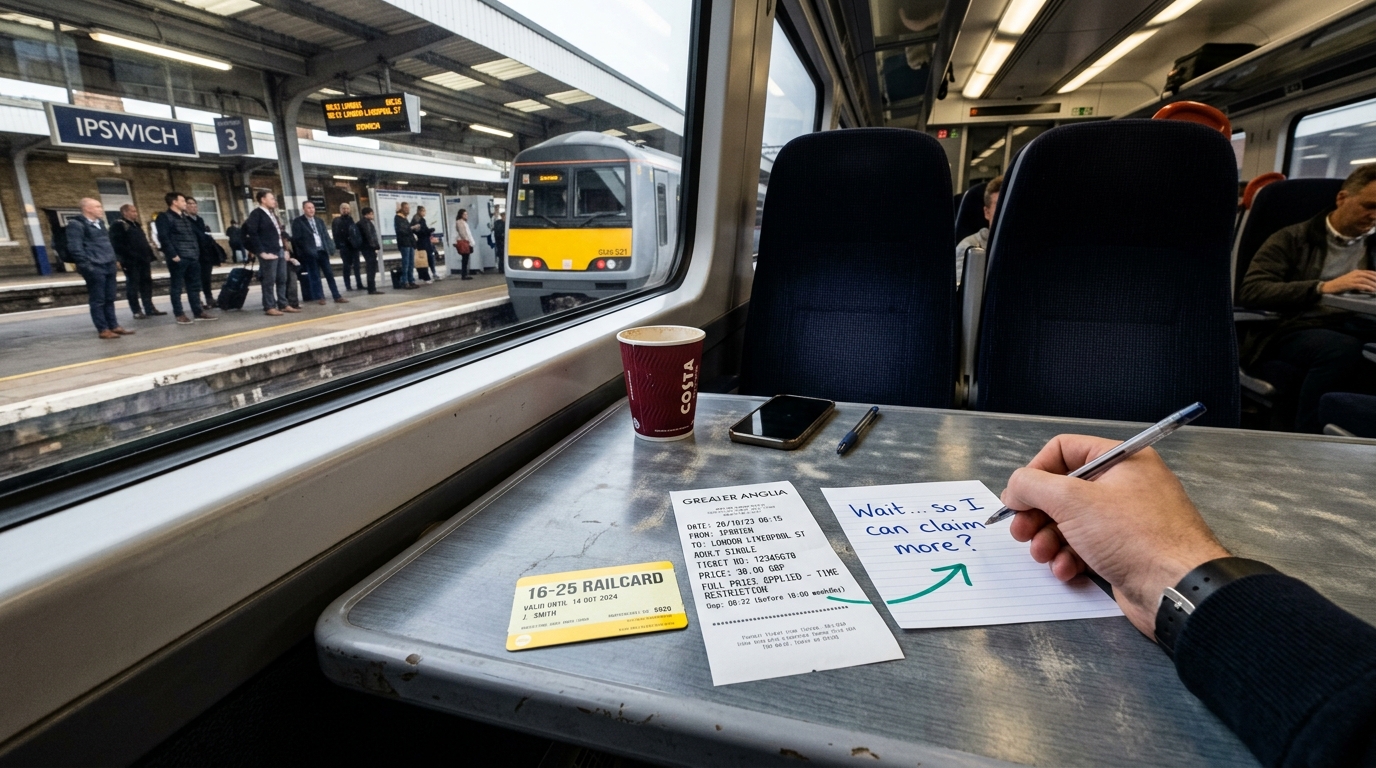
Once you enter your journey date, departure station, destination, and approximate scheduled departure time, the portal presents a list of matching timetabled services. You must select the correct train from this list. If you are unsure which service you were on, check your ticket or booking confirmation — the scheduled departure time will match one of the listed options.
Field by Field
Journey Date The date the delayed journey occurred — not the date you are submitting the claim. You have 28 days from the date of travel to submit.
Departure Station / Destination Station Enter your origin and destination as they appear on your ticket. For Greater Anglia main line passengers: "Colchester," "Chelmsford," or "Ipswich" to "London Liverpool Street."
Scheduled Departure Time The time your train was scheduled to leave. Enter this and the portal will generate a list of matching services from the timetable. Find the scheduled departure time on your ticket or booking confirmation, or on the National Rail Enquiries website.
Select Your Train From the timetable list the portal generates, select the specific service you were on. The portal's system will then determine whether that service qualifies for Delay Repay and what compensation tier applies. You do not enter delay minutes manually.
Service ID (Train Running Number) — Optional Not required. Greater Anglia identifies the service from the timetable selection you make. If the form offers this as an optional field and you want to complete it, the Service ID (also called a Headcode, e.g., "1P25") can be found on Real Time Trains for your service and date. Leave it blank if you cannot find it.
Ticket Type Select the option that matches what you actually purchased:
- •Annual season ticket
- •Monthly season ticket
- •Weekly season ticket
- •Day return
- •Single
- •Advance single or return
- •Other (specify)
Ticket Price The price you paid for the ticket. For railcard holders, this is the discounted price — not the full fare. For season ticket holders, this is the total cost of the season ticket, not a per-journey amount (the form calculates the per-journey value using the standard divisor).
Supporting Evidence Optional, but recommended. A screenshot from your rail app showing your journey, or a booking confirmation, is sufficient. The form will accept a photo or document upload.
Payment Method Greater Anglia offers: bank transfer, PayPal, or a refund to your credit or debit card. All options typically settle within five working days. Select whichever is most convenient.
Personal Details and Bank Information Enter your name, email address, and (if selecting bank transfer) your sort code and account number. Greater Anglia will send confirmation to the email address you provide.
The Part Nobody Warns You About
The Greater Anglia Delay Repay form has a session timeout. If you step away mid-completion — to look up the booking reference, to make a cup of tea, to briefly answer an email — the session may expire and the form resets. Everything you typed is gone.
This is not a bug. It is standard practice for web forms that handle personal data. It is also responsible for a surprising proportion of abandoned claims.
The practical fix: before you open the form, spend two minutes gathering all the information you will need — journey date, scheduled departure time (from your ticket or booking confirmation), ticket type, and ticket price. Have them in a notepad or on your phone. Then open the form, select your train from the timetable list, and complete it in one sitting without switching tabs.
After You Submit
You will receive a confirmation email from Greater Anglia with a reference number. Keep this. Processing typically takes five working days for straightforward claims. If you do not hear back within ten working days, use the reference number to follow up.
If your claim is declined and you believe it is valid, you can appeal using the same reference. The ORR provides guidance on the appeals process if needed.
One final tip on payment: Greater Anglia offers bank transfer, PayPal, and credit/debit card refund. All typically settle within five working days — choose whichever suits you.
A Faster Alternative
Rail Repay detects qualifying delays automatically and generates the claim text — service details, delay minutes, and the compensation summary — ready to copy and paste into the official Greater Anglia form. You still submit through the official portal, which means this guide remains relevant. But identifying which journeys qualify and finding the correct service in the timetable list — all of that is handled automatically.
Check what you may be owed — free, no card needed — at railrepay.co.uk.
Sources:
- •Greater Anglia Delay Repay portal — greateranglia.co.uk
- •Real Time Trains — realtimetrains.co.uk
- •National Rail Conditions of Travel 2025 — nationalrail.co.uk
Stop leaving money on the platform
Check what your Greater Anglia route may owe you — in 60 seconds
Free delay alerts + AI claim drafts. No card required. You stay the claimant.
You might also like
This article is informational and is not legal advice. See the legal basis and sources. The train company decides the final eligible amount after validating your ticket, journey, and delay evidence. Legal basis and sources